Admin UI: Disable organizations, view users and roles per organization
frontend
26.02
highlight
hidden
This release adds new capabilities to the administrative portal for managing organizations and viewing user details.
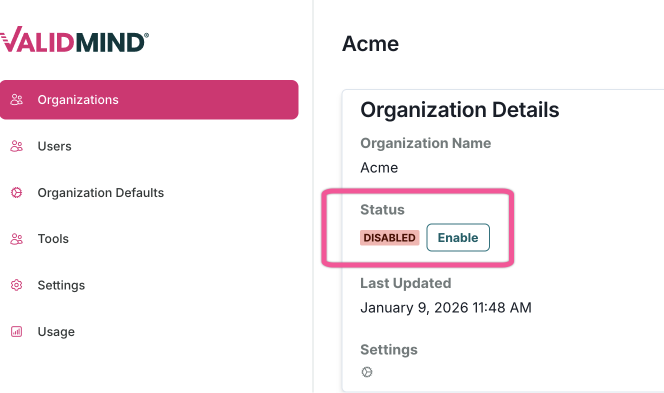
Disable organizations
Administrators can now disable organizations that are no longer in use. When an organization is disabled:
- Non-staff users are blocked from accessing the organization.
- Staff users see a warning banner indicating the organization is disabled.
- All disable and enable actions are logged for audit purposes.
View users and roles per organization
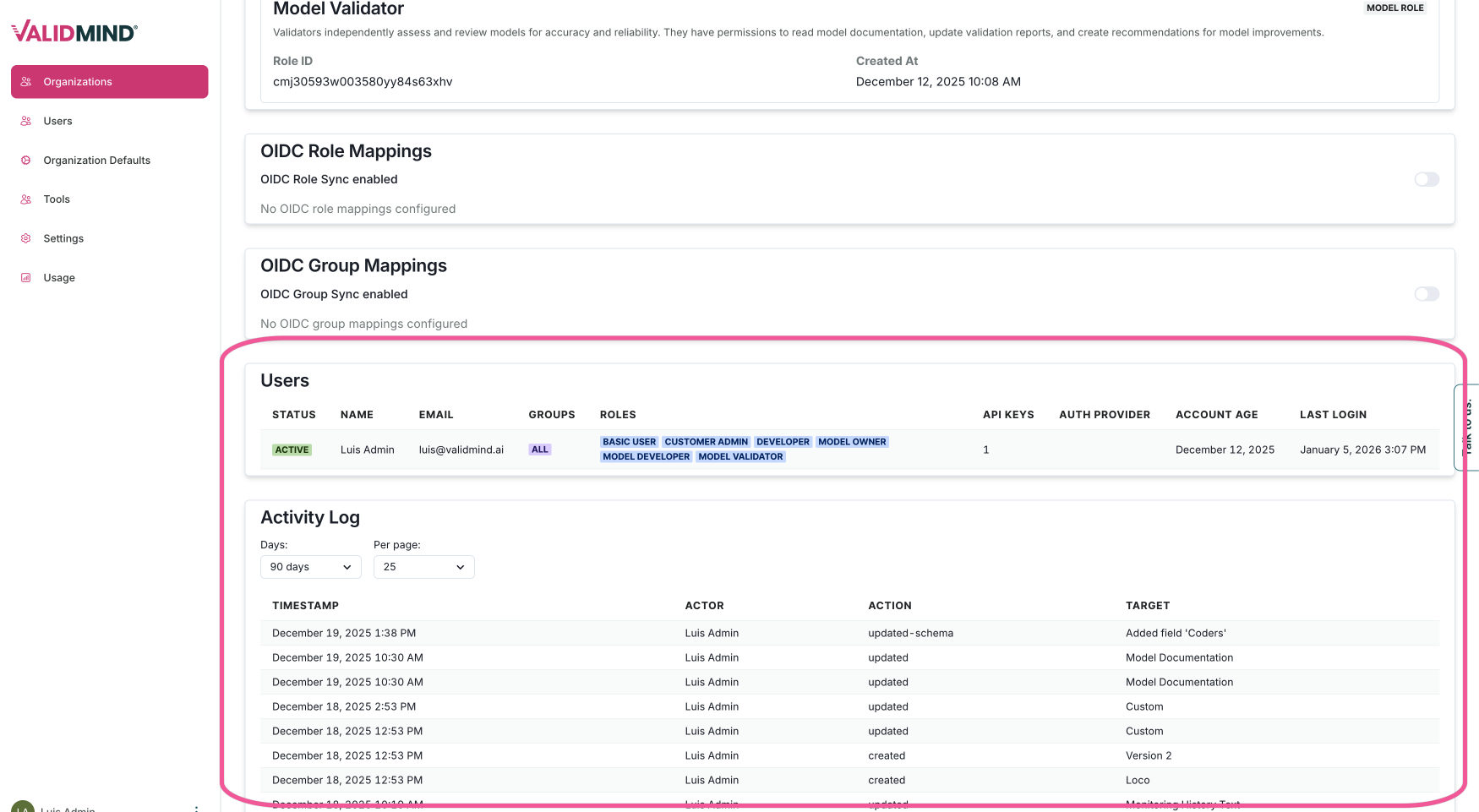
The administrative portal now displays all users within an organization along with their respective roles. The users table shows:
- User status (active or disabled)
- Name and email
- Groups and roles
- API keys count
- Authentication providers
- Account age and last login
An activity log provides a paginated view of organization events with filtering by time period.