• Documentation
    • About ​ValidMind
    • Get Started
    • Guides
    • Support
    • Releases

    • ValidMind Library
    • Python API
    • Public REST API

    • Training Courses
  • Log In
  1. Add date localization support
  • All releases

  • Current releases
  • Feature highlights
  • ValidMind Platform releases
  • ValidMind Library releases
  • Documentation updates

  • Breaking changes and deprecations

  • Older releases
  • April 24, 2025
  • March 7, 2025
  • January 31, 2025
  • 2024 Releases
    • December 24, 2024
    • December 6, 2024
    • October 22, 2024
    • September 25, 2024
    • September 9, 2024
    • August 13, 2024
    • July 22, 2024
    • June 10, 2024
    • May 22, 2024
    • March 27, 2024
    • February 14, 2024
    • January 26, 2024
    • January 18, 2024
  • 2023 Releases
    • December 13, 2023
    • November 9, 2023
    • October 25, 2023
    • September 27, 2023
    • August 15, 2023
    • July 24, 2023
    • June 22, 2023
    • May 30, 2023

Add date localization support

frontend
25.05
enhancement
Published

April 28, 2025

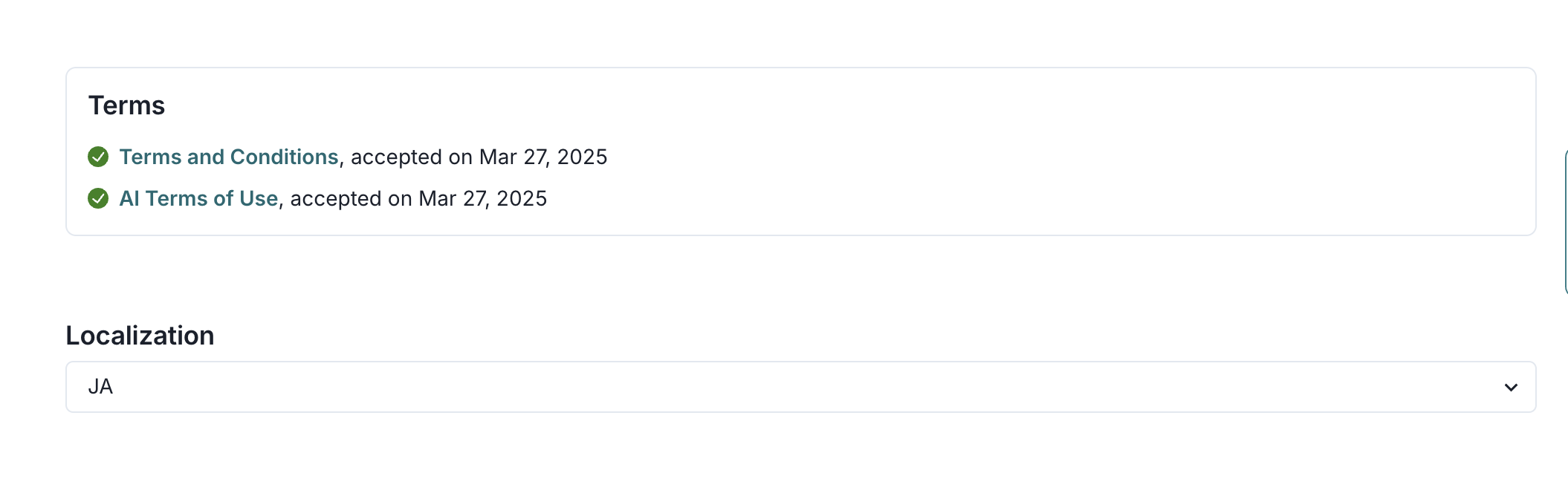
This update significantly improves date formatting and display across the application. We have added locale support to ensure consistent date formatting throughout various components. The updated date display functions now accept a locale parameter, allowing the user interface to reflect user-specific locale settings in date displays.
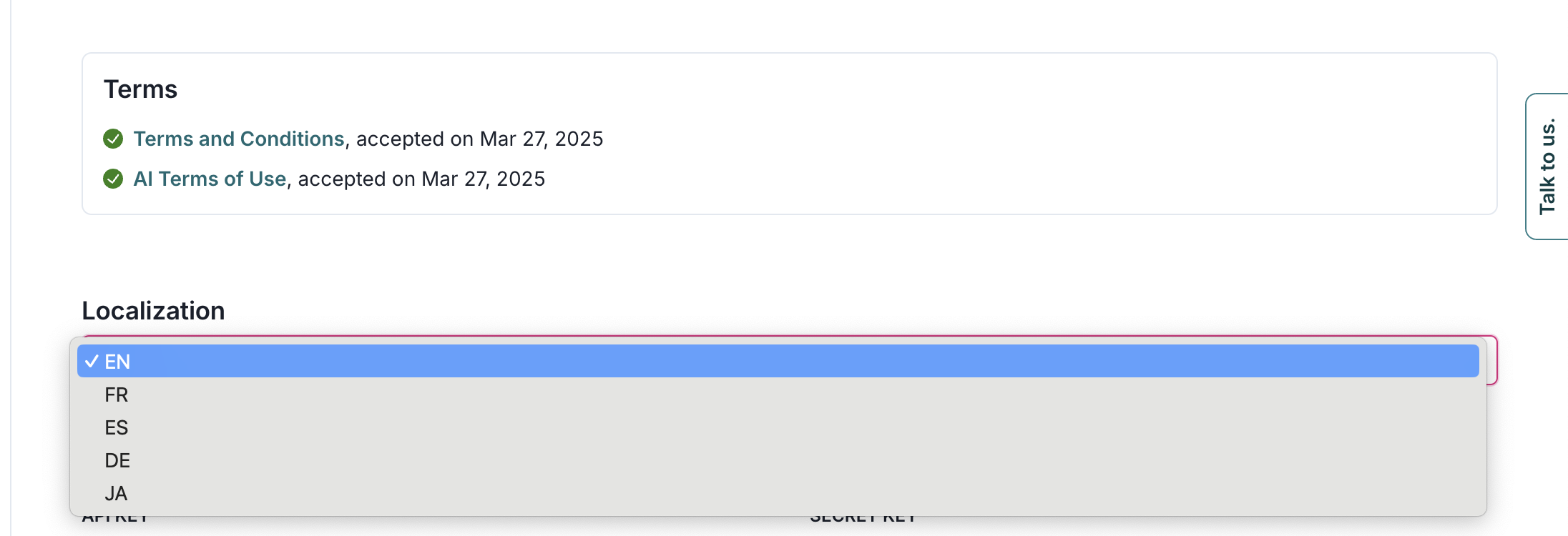
The image shows a user interface section with a title labeled Terms, displaying two items: Terms and Conditions and Terms of Use, both marked with green check icons and accepted on March 27, 2025. Below this section, there is a title labeled Localization with a dropdown menu. The dropdown menu is expanded, showing language options including EN, FR, ES, DE, and JA, with EN highlighted in blue, indicating it is selected. On the right side, there is a vertical Talk to us button. The layout is minimalistic with a white background and a clean design.

A user interface displaying a section titled Terms with two items listed. The first item is Terms and Conditions, accepted on March 27, 2025, indicated by a green checkmark. The second item is All Terms of Use, also accepted on March 27, 2025, with a similar green checkmark. Below this section is a Localization dropdown menu set to JA. The layout is simple, with the Terms section at the top and the Localization dropdown directly beneath it.

A user interface displaying a section titled Model Activity with tabs labeled All, Comments, Status Updates, Model Updates, and Test Results. The All tab is selected, showing a list of recent activities. The first entry states You updated field Implementation Date on [Demo] Foundation Model - Text Sentiment Analysis with a timestamp tooltip showing 2023年4月1日 11:49. Below, another entry reads You updated field Date Rejected on [Demo] Foundation Model - Text Sentiment Analysis. The layout uses a clean, white background with dark text for clarity and emphasis.

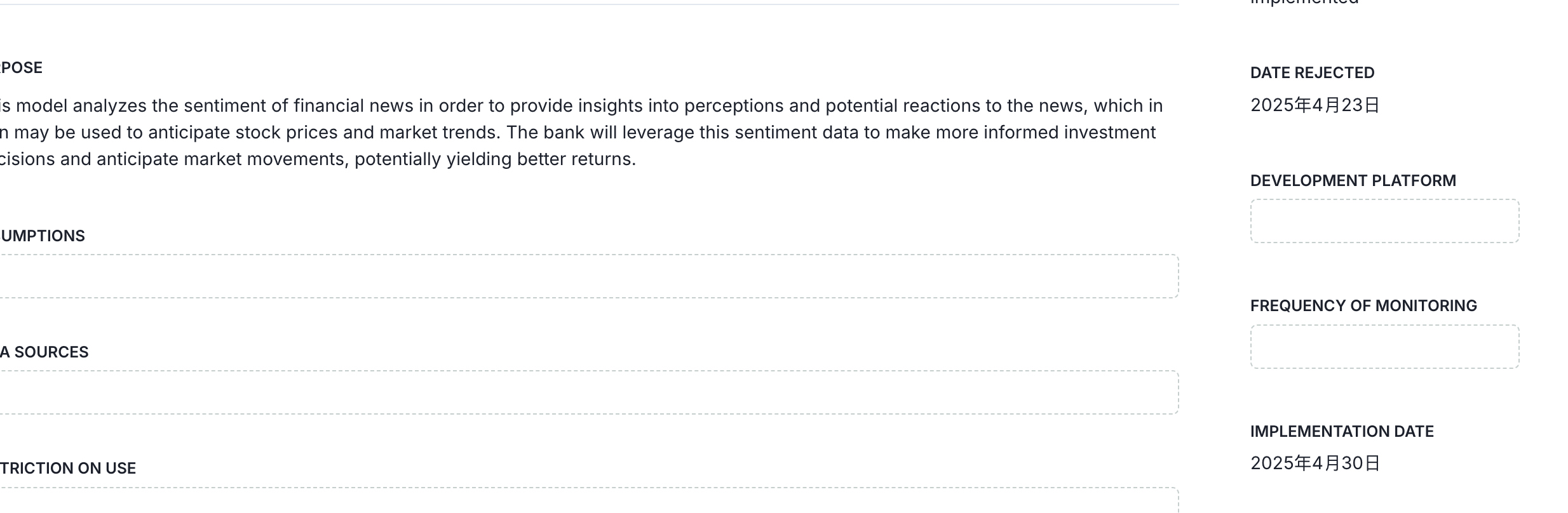
A form interface displaying sections for inputting information related to a models purpose and assumptions. The right side of the form includes fields for date-related information, with a Date Rejected field showing 2025年4月3日 and an Implementation Date field showing 2025年4月30日. There are additional fields labeled Development Platform and Frequency of Monitoring, both currently empty. The layout is structured with labeled fields on the left for detailed descriptions and on the right for specific dates and platform details. The interface uses a clean, minimalist design with clear separation between sections.

  • ValidMind Logo
    ©
    Copyright 2026 ValidMind Inc.
    All Rights Reserved.
    Cookie preferences
    Legal
  • Get started
    • Model development
    • Model validation
    • Setup & admin
  • Guides
    • Access
    • Configuration
    • Model inventory
    • Model documentation
    • Model validation
    • Workflows
    • Reporting
    • Monitoring
    • Attestation
  • Library
    • For developers
    • For validators
    • Code samples
    • Python API
    • Public REST API
  • Training
    • Learning paths
    • Courses
    • Videos
  • Support
    • Troubleshooting
    • FAQ
    • Get help
  • Community
    • GitHub
    • LinkedIn
    • Events
    • Blog
  • Edit this page
  • Report an issue