• Documentation
    • About ​ValidMind
    • Get Started
    • Guides
    • Support
    • Releases

    • ValidMind Library
    • Python API
    • Public REST API

    • Training Courses
  • Log In
  1. Add copy node ID feature to NodeBox component
  • All releases

  • Current releases
  • Feature highlights
  • ValidMind Platform releases
  • ValidMind Library releases
  • Documentation updates

  • Breaking changes and deprecations

  • Older releases
  • April 24, 2025
  • March 7, 2025
  • January 31, 2025
  • 2024 Releases
    • December 24, 2024
    • December 6, 2024
    • October 22, 2024
    • September 25, 2024
    • September 9, 2024
    • August 13, 2024
    • July 22, 2024
    • June 10, 2024
    • May 22, 2024
    • March 27, 2024
    • February 14, 2024
    • January 26, 2024
    • January 18, 2024
  • 2023 Releases
    • December 13, 2023
    • November 9, 2023
    • October 25, 2023
    • September 27, 2023
    • August 15, 2023
    • July 24, 2023
    • June 22, 2023
    • May 30, 2023

Add copy node ID feature to NodeBox component

frontend
25.08
enhancement
highlight
Published

July 31, 2025

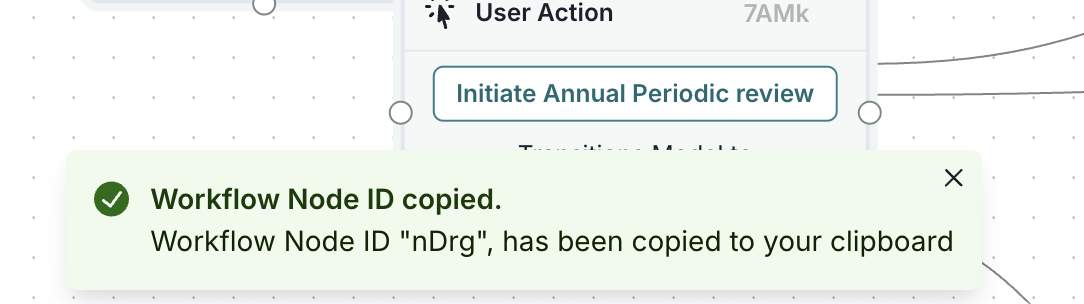
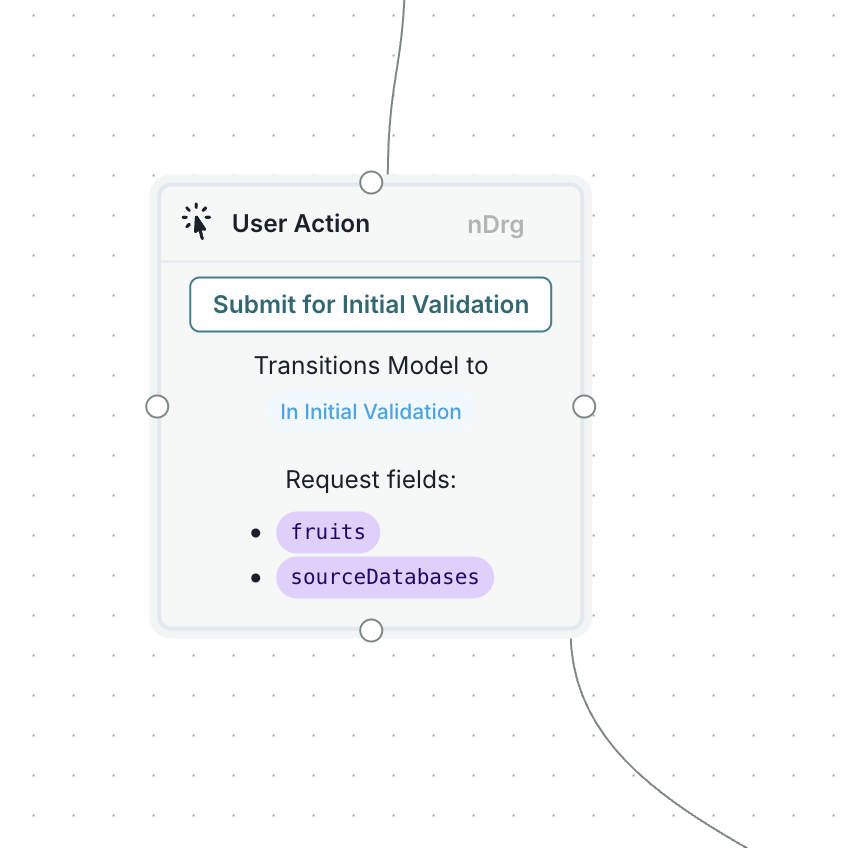
You can now easily copy workflow node IDs directly from the workflow editor. Click on the node ID in each workflow node's header to copy it to your clipboard. This feature makes it easier to reference specific nodes in documentation or during debugging: Working with model workflows
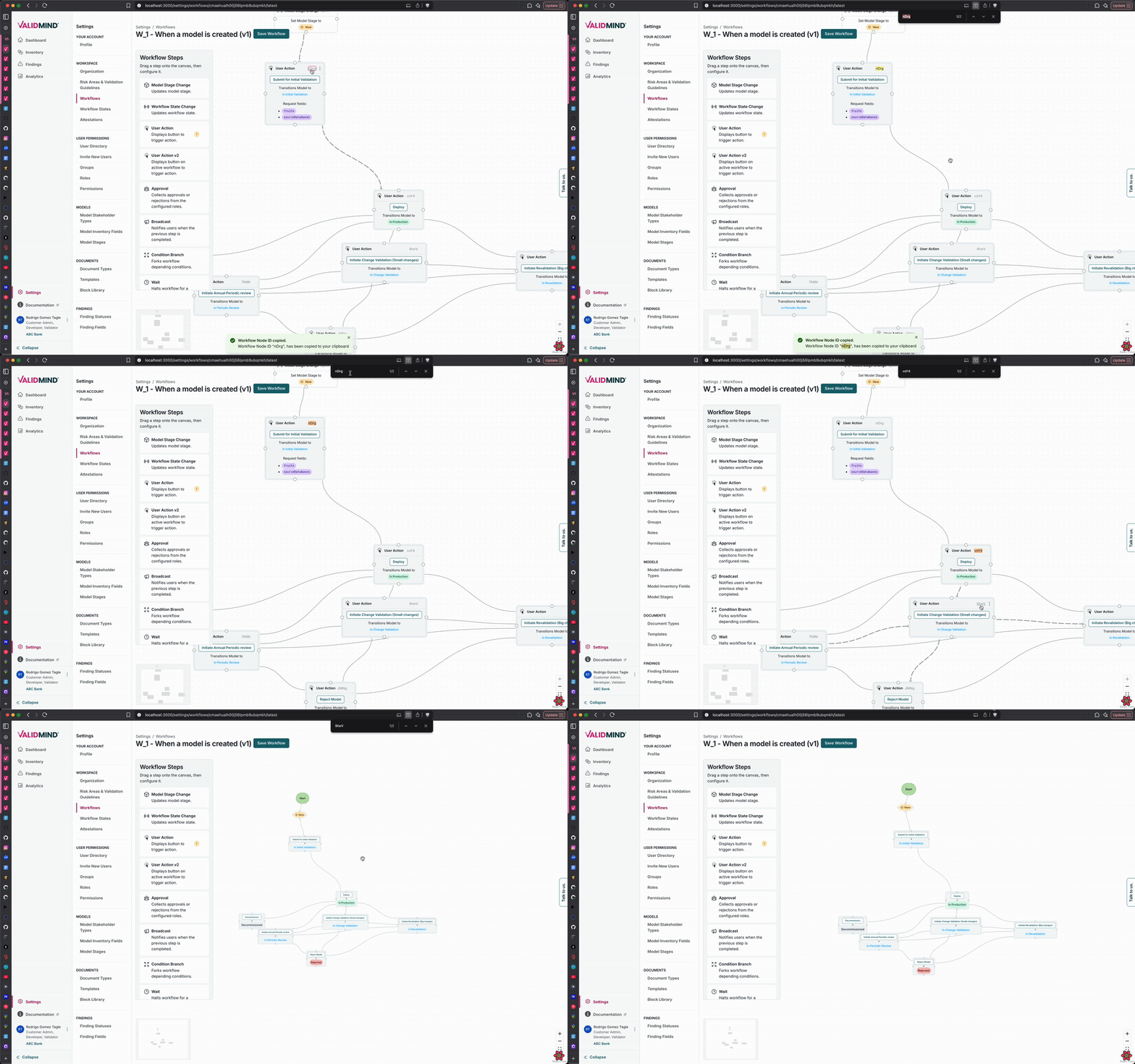
A workflow interface titled When a model is created (v1) with a Save Workflow button in the top right corner. The left panel lists menu items such as Dashboard, Projects, and Workflow Steps, with Workflow highlighted in pink. The main section displays a flowchart with nodes connected by arrows, showing steps like Select Model to Train and Initiate Feature Extraction, each with options like Request Review and Approve. Nodes are color-coded, with blue indicating active steps and gray for conditional actions. The flowchart illustrates the sequence and decision points in the workflow process.

Workflow steps for model creation

A flowchart element titled User Action with a light gray background and a dotted border is centered on a grid. It contains a green button labeled Submit for Initial Validation. Below the button, blue text reads Transitions Model to In Initial Validation. The section titled Request fields lists two items: fruits and sourceDatabases, both in purple with bullet points. The layout is connected by a thin line extending from the top and bottom of the element, indicating flow direction.

A notification message appears at the bottom of the screen with a light green background, indicating that a workflow node ID has been successfully copied. The message includes a green checkmark icon on the left, followed by the text Workflow Node ID copied. Below, it states Workflow Node ID nDrg, has been copied to your clipboard. Above the notification, part of a user interface is visible, showing a section titled User Action with a button labeled Initiate Annual Periodic review. The interface has a dotted grid background with connecting lines, suggesting a flowchart or workflow diagram.

  • ValidMind Logo
    ©
    Copyright 2026 ValidMind Inc.
    All Rights Reserved.
    Cookie preferences
    Legal
  • Get started
    • Model development
    • Model validation
    • Setup & admin
  • Guides
    • Access
    • Configuration
    • Model inventory
    • Model documentation
    • Model validation
    • Workflows
    • Reporting
    • Monitoring
    • Attestation
  • Library
    • For developers
    • For validators
    • Code samples
    • Python API
    • Public REST API
  • Training
    • Learning paths
    • Courses
    • Videos
  • Support
    • Troubleshooting
    • FAQ
    • Get help
  • Community
    • GitHub
    • LinkedIn
    • Events
    • Blog
  • Edit this page
  • Report an issue