Workflows: Workflow versioning and states, User Action rename, and broadcast step variables
Manage workflow versions and states, use the renamed User Action step, and use record and artifact field and stakeholder variables in broadcast steps.
Workflow versioning and states
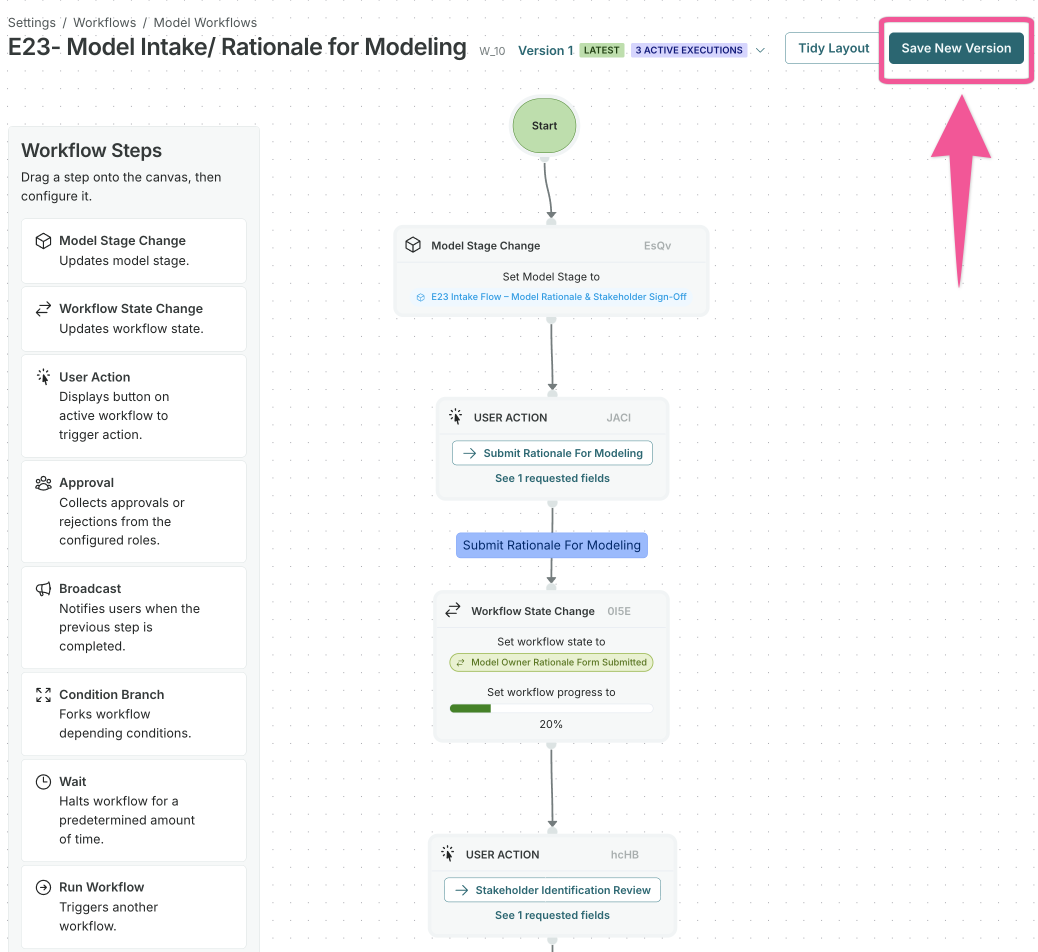
When you save changes to a workflow with active executions, a new version is now created automatically while the original is preserved. This enables you to:
- Browse version history and view read-only snapshots of previous versions.
- Add version notes when creating new versions.
- See which version each execution ran on in the execution details.
Active executions running on a previous version will continue to run on that version but can be restarted to run on the latest version.
User Action step renamed
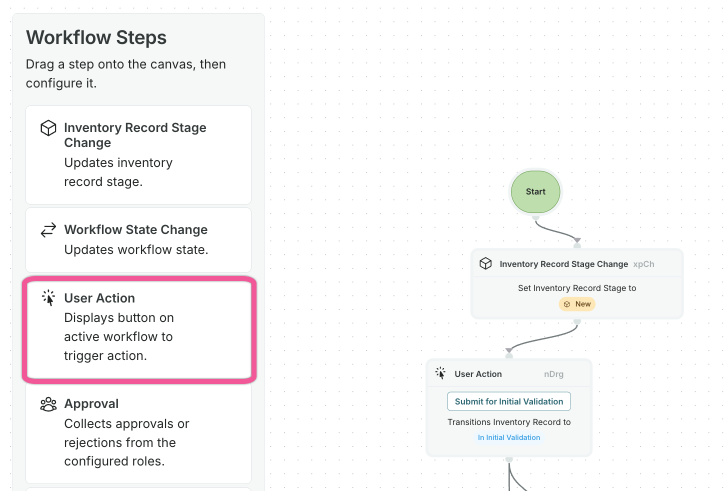
The workflow step previously labeled User Action v2 is now simply called User Action. The legacy User Action step has been removed.
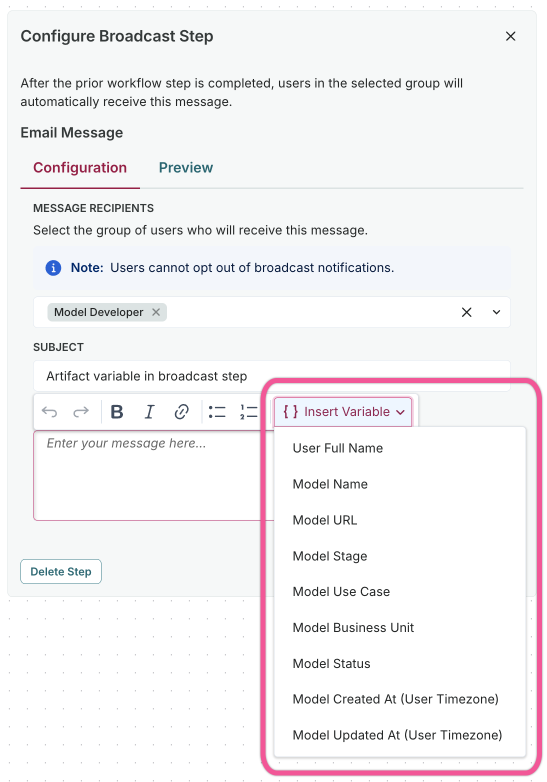
Record and artifact field and stakeholder variables in broadcast step
Broadcast step variable inputs are now based on the record or artifact type the workflow is tied to, including field values and stakeholders. For example, a Validation Issue workflow can reference Validation Issue fields and stakeholders, while a Use Case workflow can reference Use Case fields and stakeholders.