What is ValidMind?
A 5-minute guided tour covering the inventory, workflows, reporting, documentation, monitoring, and regulatory alignment.
Sign up for ValidMind through AWS Marketplace to streamline billing and take advantage of your existing AWS relationship.
When you subscribe to ValidMind via AWS Marketplace, your usage is billed through your AWS account, simplifying procurement and consolidating your cloud spending.

Open the ValidMind listing in AWS Marketplace.1
Select View subscription and complete the subscription flow.
After subscribing, select Set up account.
AWS sends a secure request to ValidMind confirming your purchase.
You are redirected to the ValidMind onboarding page with a one-time identifier that validates your Marketplace purchase:
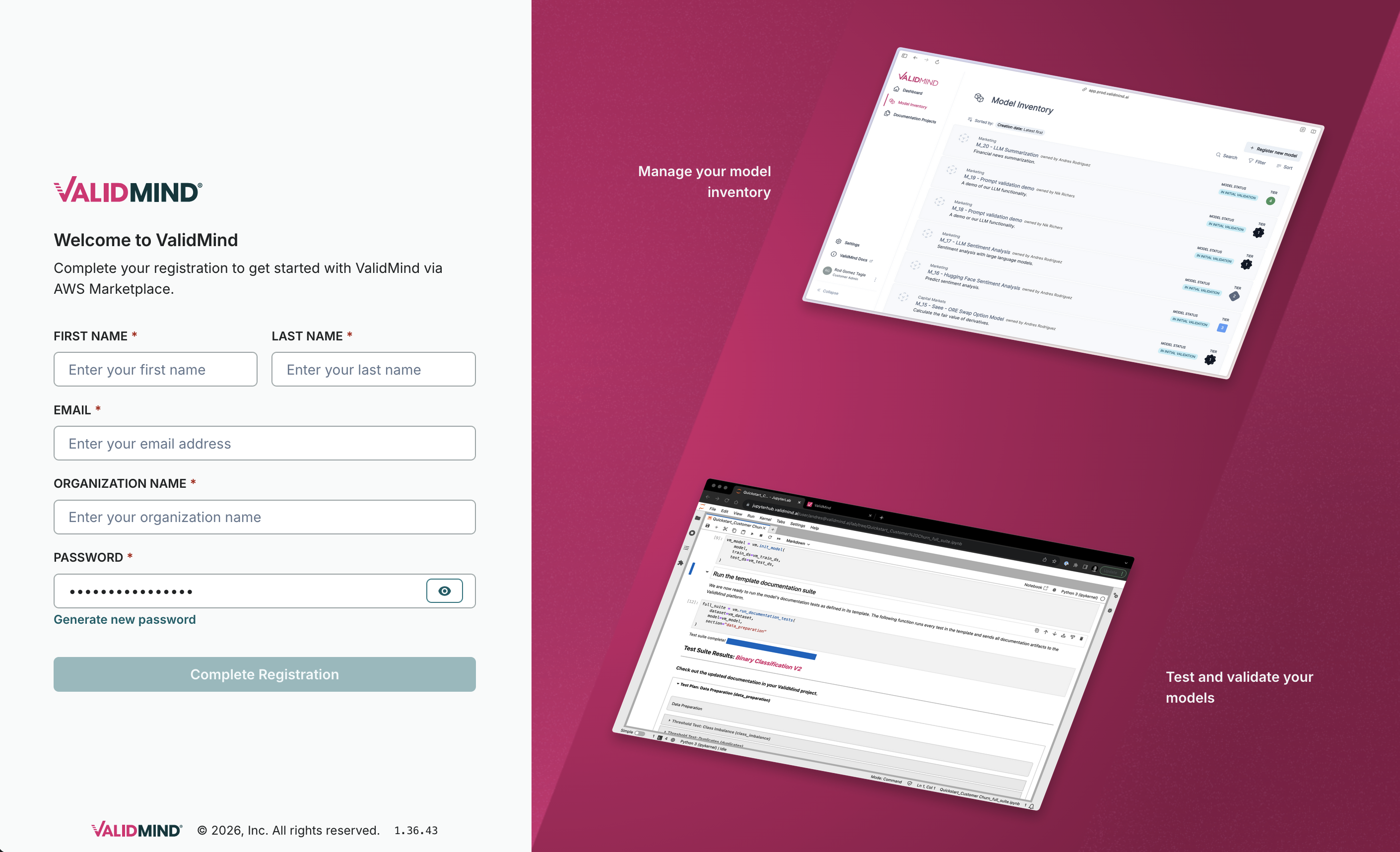
Enter your details and complete registration.
This step creates:
After registration completes, you are redirected to the ValidMind login page.2
Sign in using the account you just created.
You are taken to the dashboard with your initial environment and sample content available.
Take a guided tour of ValidMind and discover how the platform helps you implement governance and oversight through automated documentation, comprehensive testing, and streamlined workflows:
Explore common ValidMind use cases for AI governance and model risk management: